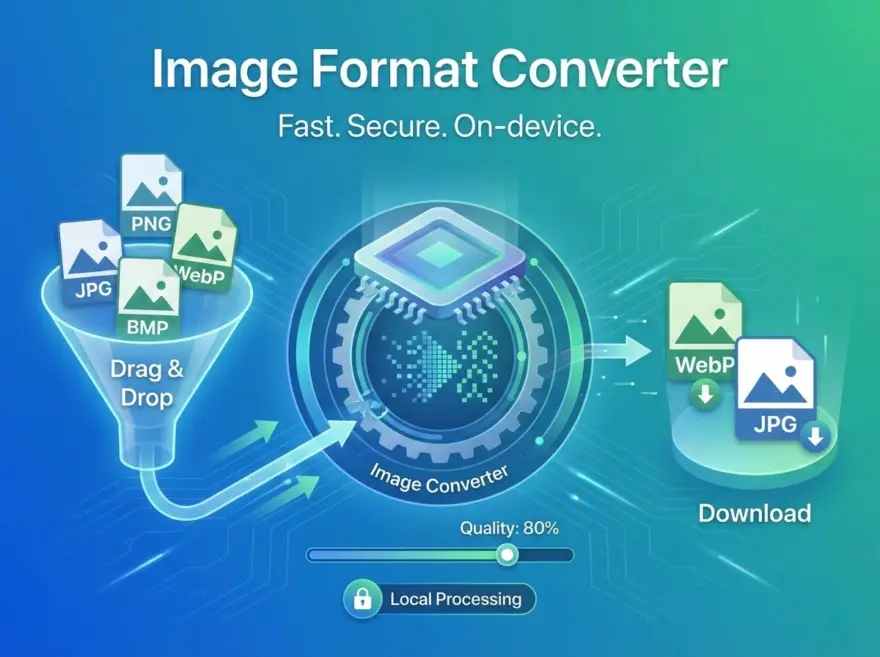
A browser-based image format converter that transforms images between PNG, JPG, WebP, and BMP formats. Drag and drop or click to upload, choose the target format and quality, then download the converted file. Everything happens locally — your images never leave your device.
Why Use This Image Converter?
- Multiple formats — convert between PNG, JPG, WebP, and BMP in one tool.
- Quality control — adjustable quality slider (10–100%) for lossy formats.
- Privacy-first — all processing happens in your browser via Canvas API.
- Drag & drop — intuitive file upload with image preview.
Key Features
- WebP Export: Convert any image to WebP for up to 30% smaller file sizes.
- JPG with White Background: Automatically fills transparent areas with white for JPEG.
- File Size Display: Shows original and converted file sizes.
- Instant Download: Converted image downloads automatically.
How it Works
The tool loads your image into an HTML5 Canvas element at full resolution, then uses canvas.toBlob() to re-encode it in the target format with the specified quality. For JPEG output, transparent areas are pre-filled with white. The result is offered as a browser download with no server round-trip.
Try the Image Converter
Drop an image onto the upload area, pick your output format and quality, then click “Convert & Download.”
简体中文
图片格式转换器
在 PNG、JPG、WebP 等常见图片格式之间进行相互转换。
한국어
이미지 형식 변환기
PNG, JPG, WebP 등 대표적인 이미지 형식을 서로 변환합니다.
日本語
画像フォーマットコンバーター
PNG・JPG・WebP などの一般的な画像形式を相互に変換します。