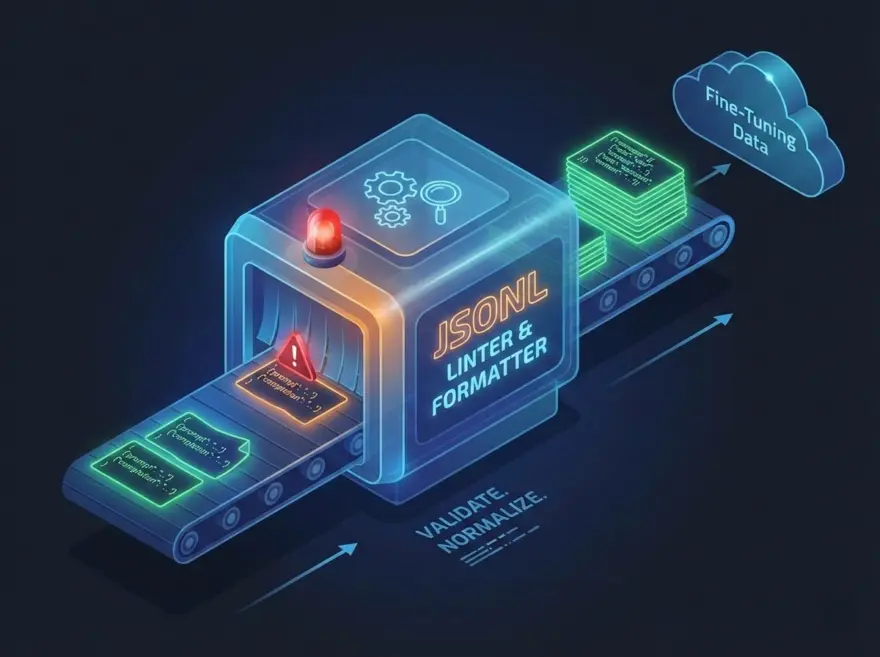
JSONL Linter & Formatter — Clean Fine-Tuning Data
The JSONL Linter & Formatter validates and normalizes JSONL (JSON Lines) data for LLM fine-tuning. It accepts prompt/completion or custom key names and outputs OpenAI-style message objects, one per line, so you can upload clean data to OpenAI or compatible pipelines.
Why Use This Tool?
- Validate: Catch invalid JSON early so uploads don’t fail.
- Normalize: Convert prompt/completion or input/output into a single messages format.
- No server: All processing runs in the browser.
Key Features
- One JSON per line: Parses strict JSONL; reports the first bad line.
- OpenAI format: Outputs
{"messages": [{"role":"user","content":"..."}, {"role":"assistant","content":"..."}]}. - Flexible input: Recognizes prompt/completion and input/output keys.
- Copy: One-click copy of the formatted JSONL.
How it Works
The tool splits input by newlines, parses each non-empty line as JSON, and maps known key names to the messages structure. If any line fails to parse, it shows the line number and error. The result is written back as one compact JSON object per line.
Try the JSONL Linter & Formatter
Paste your JSONL above. The formatted output appears below. Fix any reported line errors and copy the result for your fine-tuning job.
简体中文
JSONL 语法检查与数据集格式化工具
校验 JSONL 文件格式并自动排版,生成干净、适合 LLM 训练的数据集。
한국어
JSONL 린터 & 데이터셋 포매터
JSONL 파일 형식을 검증하고 자동 정렬해, LLM 학습에 적합한 깔끔한 데이터셋을 만듭니다.
日本語
JSONL リンター&データセットフォーマッター
JSONL ファイルの構文を検証し整形して、LLM 学習向けのクリーンなデータセットを生成します。