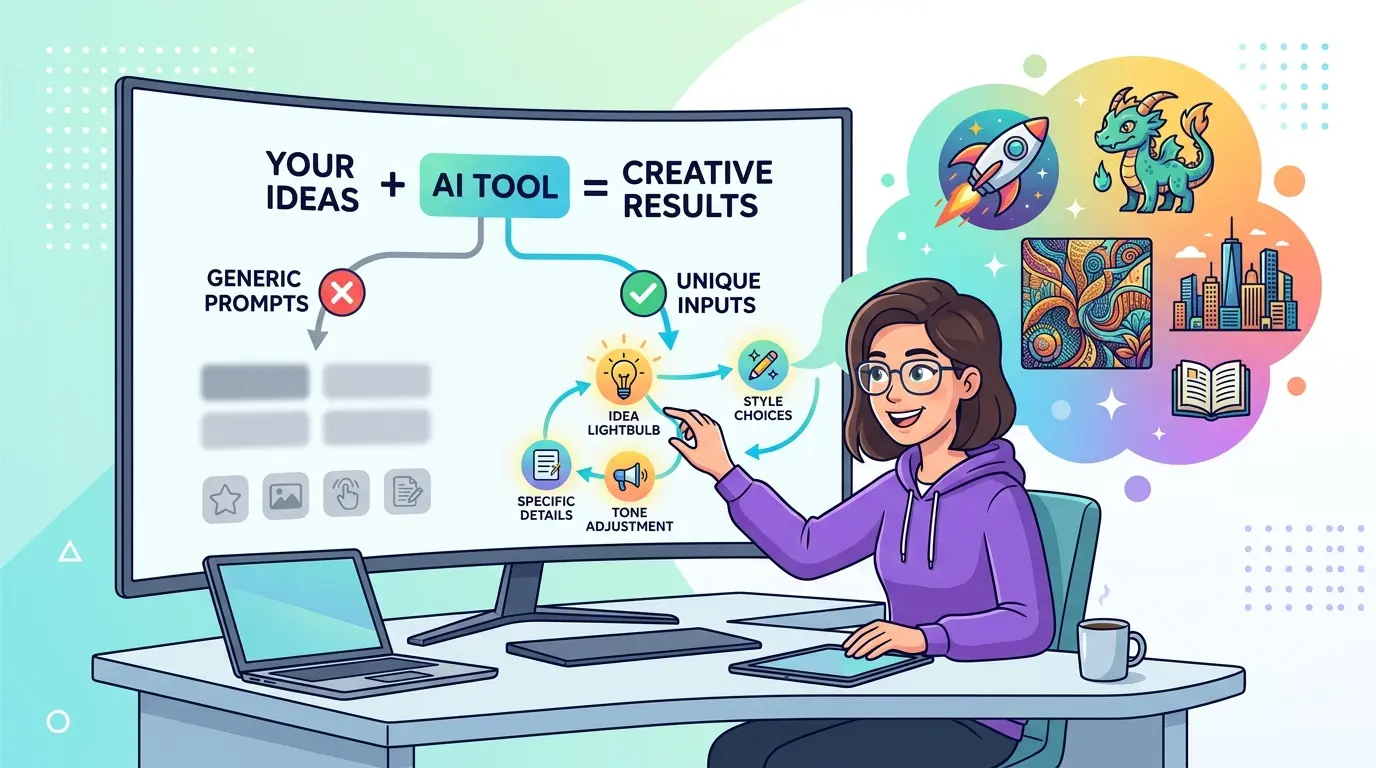
Prompt generators solve the first 20 percent of the job. They give you structure, speed, and a decent starting frame. They do not know your workflow, your source material, your quality bar, or the exact shape of the output you need. That gap is where generic prompts come from.
That matters whether you work in ChatGPT, Gemini, Claude, or DeepSeek. The prompts below are optimized as a universal foundation for professionals who use AI for writing, research, analysis, operations, and documentation, while still respecting the fact that each model has different strengths. A prompt generator should produce a scaffold. Your real work starts when you turn that scaffold into an instruction the model can actually execute well.
Why Prompt Generators Produce Generic Output
The problem is usually not the generator itself. In most cases, the tool did exactly what it was built to do: create a clean, reusable first draft. If you already use an AI Prompt Generator, treat its output as a template candidate, not a finished production prompt.
Generic prompts usually share the same weaknesses:
- No specific job context
- No clear input material
- No acceptance criteria
- No output format constraints
- No signal about what good looks like in your workflow
The fix is not to make the prompt longer for the sake of length. The fix is to add the missing variables that connect the prompt to real work.
Rewrite the Generated Prompt Around a Real Job
Model Recommendation: ChatGPT
Prompt:
Take the generated prompt below and rewrite it so it is tied to a real work task instead of a generic request.

Generated prompt:
[paste the prompt generator output]

Rewrite it using these variables:
- role: [my role]
- task: [the exact task I need done]
- trigger: [what event or request started this task]
- inputs available: [docs, notes, data, links, screenshots, examples]
- decision criteria: [how I will judge if the result is usable]
- output format: [table, memo, bullets, draft, checklist, JSON, etc.]

Requirements:
- remove generic wording
- replace broad verbs like "help," "improve," or "optimize" with task-specific actions
- make the prompt executable in one pass
- keep it concise and professional

Return:
1. the rewritten prompt
2. the top 3 changes that made it less generic
The Payoff: Most generated prompts stay vague because they describe a topic instead of a job. This rewrite forces the model to work on an actual deliverable with real inputs and a visible definition of success.
Add Deliverable Rules and Acceptance Criteria
Model Recommendation: Claude
Prompt:
Upgrade the prompt below so it produces work-quality output rather than generic drafting.

Current prompt:
[paste prompt]

Add the following layers without making the prompt bloated:
- target audience
- output format
- what must be included
- what must be avoided
- review criteria I will use before approving the result
- how the model should handle uncertainty or missing information

Output:
1. improved prompt
2. acceptance checklist
3. one sentence explaining why each added constraint matters

Keep the language operational, not conversational.
The Payoff: A prompt generator can give you shape, but it rarely gives you a review standard. Adding acceptance criteria is what separates a polished-looking prompt from one that can reliably produce usable work.
Ground the Prompt in Real Documents and Examples
Model Recommendation: Gemini
Prompt:
I want to turn a generic prompt into a source-grounded professional prompt.

Base prompt:
[paste prompt]

Use the source material below to rewrite it:
- SOPs: [paste or summarize]
- examples of good outputs: [paste]
- brand, policy, or style rules: [paste]
- project notes or reference docs: [paste]

Tasks:
- rewrite the prompt so it uses the source material as the working context
- identify which source inputs should be mandatory
- identify which source inputs are optional
- add one short section telling the model what to do if source material conflicts
- list any missing context that should be requested before execution

Return a final prompt plus a short input checklist.
The Payoff: Generic prompts sound generic because they are detached from the documents that actually define your work. This prompt turns a broad prompt-generator output into something anchored in the files, examples, and rules your team already uses.
When you start attaching examples, SOPs, and policy notes, context size stops being abstract. The AI Token Calculator is useful for checking whether your prompt, examples, and reference material still fit the model context you intend to use.
Force the Prompt to Ask Clarifying Questions First
Model Recommendation: Claude
Prompt:
Refactor the prompt below so the model does not guess when important context is missing.

Prompt:
[paste prompt]

Before execution, the model should decide whether enough information exists.

If the prompt is missing critical details, it must:
- stop drafting
- ask up to 5 targeted clarification questions
- explain why each question matters
- continue only after those answers exist

If enough information already exists, it should execute normally.

Return:
1. the revised prompt
2. the exact threshold for when the model should ask questions instead of drafting
3. examples of missing context that should trigger clarification
The Payoff: Prompt generators often assume a complete brief exists when it does not. This pattern prevents the model from filling gaps with generic filler, invented assumptions, or bland all-purpose advice.
Audit the Prompt for Generic Language and Hidden Assumptions
Model Recommendation: DeepSeek
Prompt:
Audit the prompt below for generic language, missing constraints, and hidden assumptions.

Prompt:
[paste prompt]

Review it for:
- vague verbs
- empty business language
- missing entities, inputs, or stakeholders
- output requests that are too broad to verify
- assumptions the model would have to invent
- instructions that sound specific but are not testable

Output as a table with these columns:
line or phrase | issue type | why it is generic | better replacement

Then provide:
1. a tightened final prompt
2. a short explanation of what made the original feel generic
The Payoff: This is the fastest way to see why a prompt sounds polished but still performs like a template. DeepSeek is a strong fit here because the job is less about style and more about structured diagnosis.
Turn One Good Prompt Into a Reusable Template
Model Recommendation: ChatGPT
Prompt:
Convert the prompt below into a reusable template that keeps the useful structure without drifting back into generic wording.

Prompt:
[paste the best working version]

Build a reusable template with these parts:
- fixed instruction block that should stay constant
- placeholders that must be customized each time
- optional variables that improve quality when available
- one example of a weak fill-in
- one example of a strong fill-in
- a short warning about the most common ways this template becomes generic again

Return:
1. reusable template
2. quick-start instructions for using it correctly
The Payoff: A prompt generator is helpful when you need a starting pattern fast. A reusable template is what saves time repeatedly. If you want to go deeper on reusable prompt systems instead of one-off prompts, Meta-Prompting Mastery: 10 Advanced AI Prompts for Professional Prompt Engineering is a strong next step.
Split the Workflow Into Generator Prompt and Execution Prompt
Model Recommendation: DeepSeek
Prompt:
I do not want one oversized prompt. I want a two-step workflow.

Starting prompt:
[paste prompt]

Split it into:

Step 1: Prompt generator stage
- produces a structured draft prompt
- identifies missing variables
- recommends the best output format

Step 2: Execution stage
- uses the completed variables
- performs the actual task
- follows strict output rules

Requirements:
- show the purpose of each stage
- keep each prompt focused on one job
- remove duplicated instructions
- explain what information should pass from step 1 to step 2

Return:
1. stage 1 prompt
2. stage 2 prompt
3. handoff checklist between stages
The Payoff: Many prompt-generator workflows fail because the same prompt is trying to invent structure and do the real work at the same time. Splitting those jobs usually produces cleaner prompts and more consistent results.
Treat the Generator as a System, Not a Shortcut
A prompt generator becomes useful the moment you stop asking it for the final answer and start using it to accelerate prompt design. The right workflow is simple: generate a draft, bind it to a real task, attach real source material, define the output, and audit the language before using it in production.
Pro-Tip: Use prompt chaining on purpose. First ask the generator to produce structure, then ask a second prompt to add context, constraints, and review criteria. That two-step habit does more to eliminate generic output than endlessly tweaking adjectives inside one oversized prompt.
The professionals who get the best results from prompt generators are not treating them like magic writing buttons. They are using them as drafting tools inside a tighter workflow where specificity, source material, and quality standards do the real work.