GitHub README Generator
Project Info
Content Sections
Options
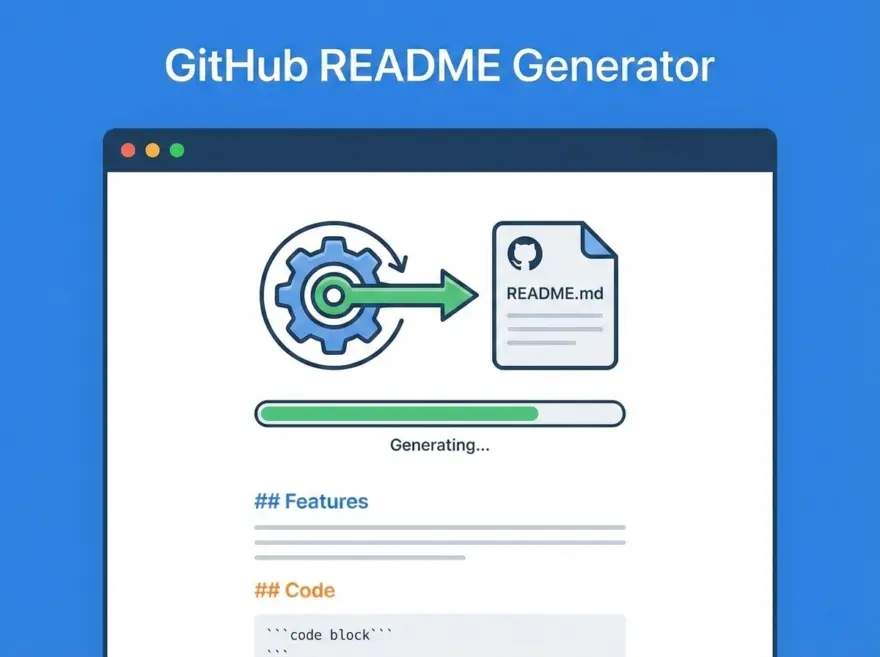
An interactive README.md builder for open-source developers. Fill in your project details — title, description, features, installation steps, usage examples — and get a professionally formatted README with GitHub badges, table of contents, and proper Markdown structure. No manual formatting required.
Why Use This README Builder?
- Professional output — generates clean, well-structured Markdown every time.
- GitHub badges — auto-generates Stars, Forks, Issues, and License shields.
- Table of Contents — optional auto-generated TOC with anchor links.
- One-click copy — copy the full README to clipboard instantly.
Key Features
- Badges: GitHub Stars, Forks, Issues, and License badges via Shields.io.
- Sections: Features list, Installation (code block), Usage (code block), License, Author.
- TOC: Auto-generated table of contents with proper anchor links.
- Flexible: Only filled sections are included — leave anything blank to skip it.
How it Works
The generator reads your form inputs and constructs a Markdown document from top to bottom. Badges are built using Shields.io URLs with your GitHub username/repo. Features are formatted as bullet points, installation and usage are wrapped in fenced code blocks. The table of contents links to section headers using GitHub’s anchor format.
Try the README Generator
Fill in your project details above, toggle Badges and TOC on or off, then click “Generate README.” Copy the result and paste it directly into your README.md file.