HTML to Markdown Converter
Copied!
HTML to Markdown Converter — Instant, Clean Formatting in One Paste
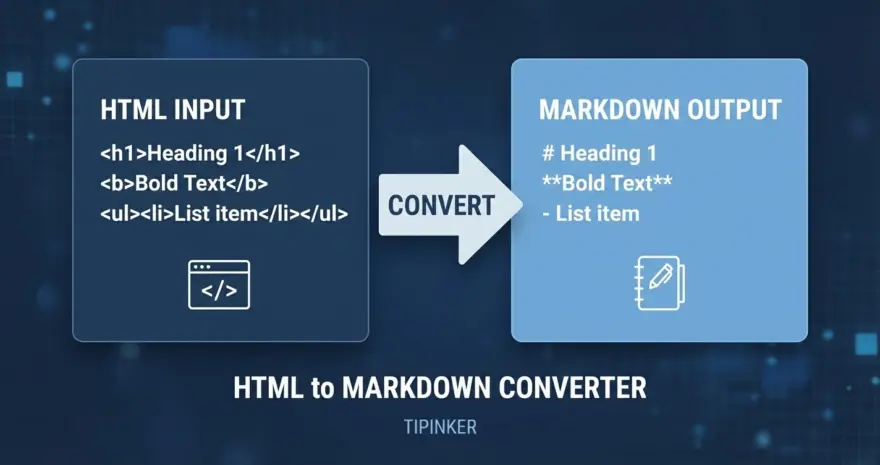
The HTML to Markdown Converter is a free, browser-based tool that instantly transforms raw HTML into clean, readable Markdown. Whether you’re migrating blog posts, cleaning up documentation, or converting email templates into developer-friendly formats, this converter handles it in real time — no server uploads, no waiting, and no account required. Simply paste your HTML or upload a file, and get perfectly structured Markdown output.
Why Use This Converter?
- Save Time on Manual Reformatting: Converting HTML to Markdown by hand is tedious and error-prone. This tool handles headings, bold/italic text, links, images, tables, and code blocks automatically.
- Perfect for Content Migration: Moving from WordPress, Ghost, or any CMS to a Markdown-based system (like Hugo, Jekyll, or Obsidian)? Paste the HTML source and get ready-to-use Markdown instantly.
- Preserves Structure Accurately: Unlike basic regex-based converters, this tool uses the Turndown library with GitHub Flavored Markdown (GFM) support, ensuring that tables, strikethrough, and task lists are converted faithfully.
- 100% Client-Side Privacy: Your content never leaves your browser. All processing happens locally using JavaScript — no data is sent to any server.
Key Features
- Paste-to-Convert: Just paste HTML (Ctrl+V) and the conversion happens automatically. No need to click a button.
- File Upload Support: Upload
.html,.htm, or.txtfiles directly for batch conversion. - GFM Table Support: GitHub Flavored Markdown tables, strikethrough, and task lists are fully supported via the Turndown GFM plugin.
- One-Click Copy: Copy the resulting Markdown to your clipboard with a single button press.
- Clean ATX Headings: HTML headings like
<h1>through<h6>are converted to proper#-style ATX headings. - Fenced Code Blocks:
<pre><code>blocks are converted to triple-backtick fenced code blocks for maximum readability.
Try the HTML to Markdown Converter
Paste any HTML snippet into the editor above or upload an .html file to see the conversion in action. The tool runs entirely in your browser with zero dependencies on external servers. Copy the output with one click and use it anywhere Markdown is supported.