Code Snippet Image Maker
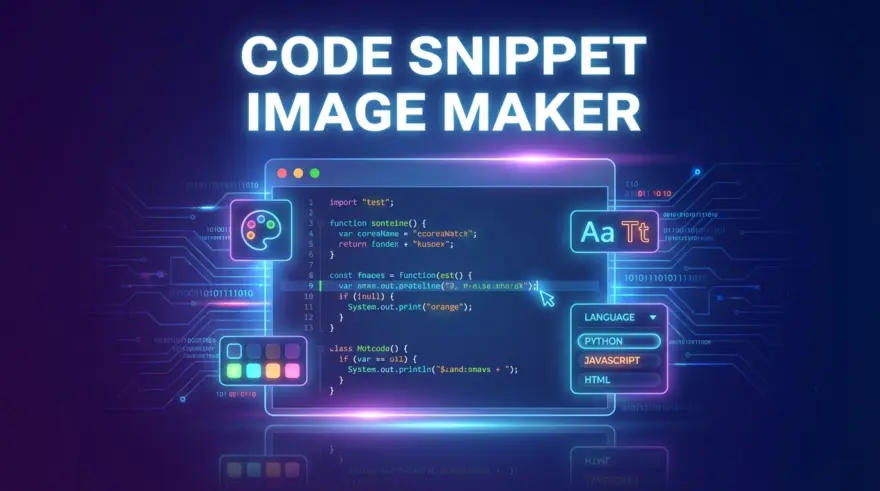
Sharing raw code in a blog post, documentation page, or on social media can look flat and uninviting. The Code Snippet Image Maker turns your source code into a polished, macOS-style code window with a colorful gradient background, perfect for Twitter, LinkedIn, presentations, or thumbnails.
What this tool does
- Beautifies plain code into a framed window with title bar, rounded corners, and a modern gradient background.
- Lets you customize the theme (light or dark), accent colors, padding, and filename label.
- Generates a PNG image directly in your browser with no data sent to any server.
- Handles reasonably large snippets (up to roughly 400 lines per image); if your code is longer, the exported image will only include the first portion to keep files performant.
How to use it
- Paste or type your code into the left-hand editor.
- Adjust the appearance: pick light or dark theme, change the background gradient, tweak padding, and set a filename.
- Preview the styled code window on the right.
- Click Download PNG to save the generated image and share it wherever you like.
Because everything runs locally in your browser, your code never leaves the page, making this tool safe for internal snippets and private experiments.