CORS Header Generator
Copied!
Frontend origin (e.g. https://www.tiptinker.com)
Backend / server
Generated CORS config
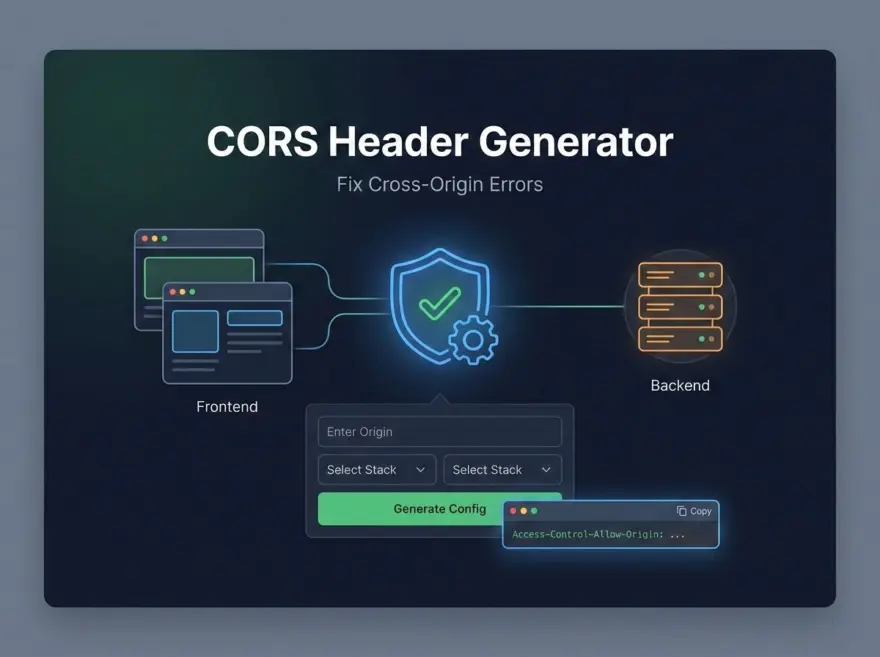
CORS Header Generator — Fix Cross-Origin Errors
The CORS Header Generator produces ready-to-use CORS (Cross-Origin Resource Sharing) configuration for your backend. Enter your frontend origin and choose your stack (generic headers, Nginx, Express, or Flask), and get the exact headers or code snippet to stop browser CORS errors.
Why Use This Tool?
- Quick fix: Get the right headers without memorizing CORS syntax.
- Stack-specific: Output for Nginx, Express, or Flask so you can paste and adjust.
- Safe defaults: Allows common methods and headers; you can restrict origin for production.
Key Features
- Origin: Specify a single origin or use * for any.
- Methods and headers: GET, POST, PUT, PATCH, DELETE, OPTIONS and Content-Type, Authorization, etc.
- Credentials: Enabled when origin is not *.
- Copy: One-click copy of the generated config.
How it Works
The tool takes your frontend origin and backend type, then outputs either raw header lines or a short code snippet (Nginx add_header, Express cors(), Flask CORS). For OPTIONS preflight, Nginx returns 204. Adjust the snippet to match your exact setup.
Try the CORS Header Generator
Enter your frontend URL and select your backend. Copy the result into your server config or app and reload to resolve CORS errors.