HTML Formatter & Minifier
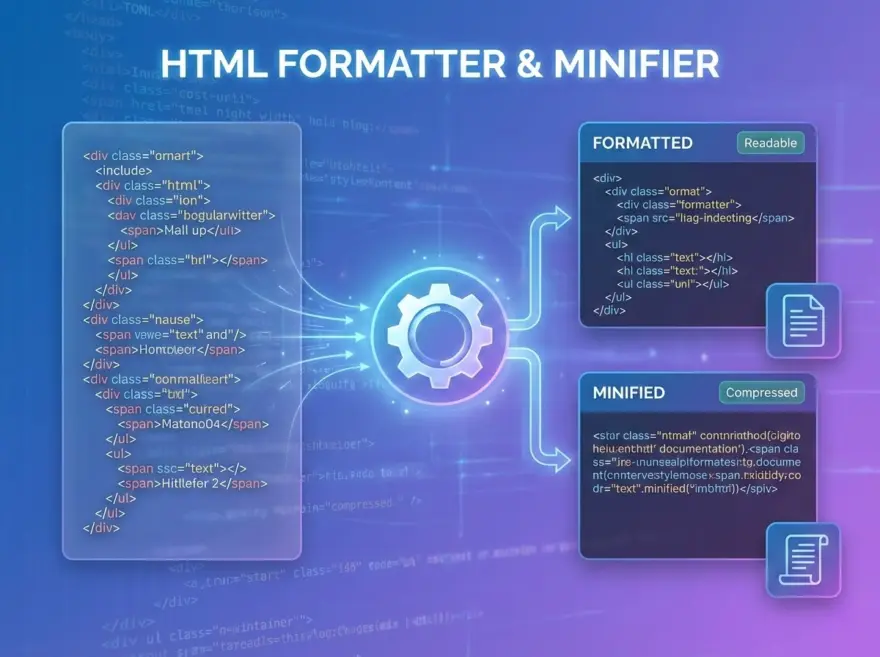
This dual-purpose utility allows you to either format messy HTML with clean indentation or minify it by stripping all redundant whitespace. Unlike standard tools that might accidentally break your logic, this version is specifically engineered to handle complex documents while providing instant feedback on code size and savings percentage.
Why This Tool Stands Out
- Code Block Protection: The tool identifies
<script>and<style>tags to preserve their internal contents exactly as written, preventing runtime errors in your JavaScript or CSS. - Dual-Mode Functionality: You can toggle between a beautified format for debugging and a compact version for production in a single interface.
- Void-Tag Awareness: The logic correctly recognizes self-closing tags—such as
<br>,<img>, and<input>—ensuring that indentation remains perfect throughout the document. - Real-Time Analytics: Instantly view your input size, output size, and the exact percentage of space saved after minification.
- One-Click Workflow: Features a built-in copy function to move your optimized code directly to your clipboard.
Key Technical Features
- Smart Indentation: The formatter applies a clean 2-space indentation strategy.
- Logical Nesting: It automatically adjusts indentation levels by tracking opening and closing tags .
- Selective Minification: The minifier strips whitespace between tags while collapsing multi-spaces within text nodes into single spaces .
- Comment Preservation: Your important HTML comments are kept intact in both modes.
How the Logic Works
The engine uses a regex-based scanner to tokenize the HTML into three categories: regular tags, text nodes, and protected “raw” blocks (scripts and styles). By treating <script> and <style> content as raw data, the formatter avoids injecting unexpected line breaks into your code. During minification, the tool uses a placeholder system to “shield” these protected blocks while performing aggressive whitespace reduction on the rest of the markup .