JSON to CSV Converter
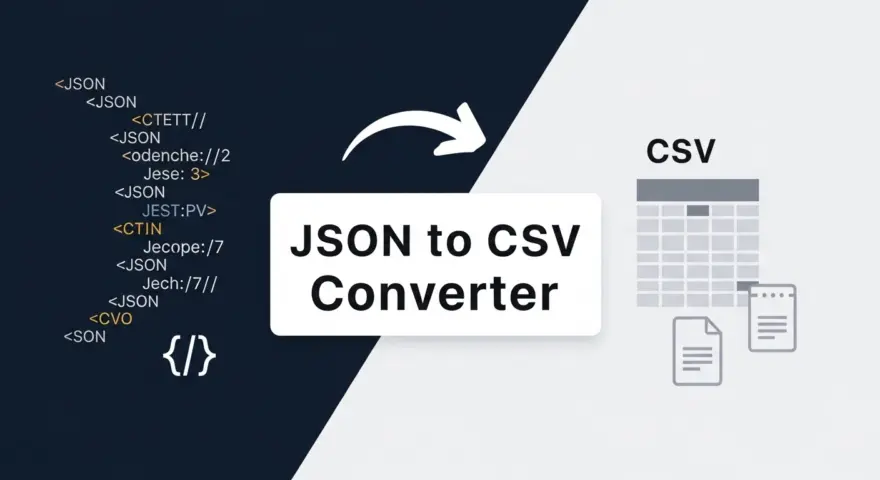
This free online tool provides a simple and efficient way to convert your JSON (JavaScript Object Notation) data into CSV (Comma Separated Values) or Excel-compatible formats. Whether you’re a developer, data analyst, or simply working with APIs and data exports, this converter simplifies the process of transforming structured JSON into tabular data suitable for spreadsheets.
JSON is a lightweight data-interchange format often used for transmitting data between a server and web application. While excellent for programmatic use, it’s not always the most user-friendly format for human readability or spreadsheet analysis. This tool bridges that gap, allowing you to quickly visualize and manipulate your JSON data in a more familiar format.
Why Use This JSON Converter?
Converting JSON to CSV or Excel manually can be a tedious and error-prone process, especially for large datasets. Our tool offers several key benefits:
- Efficiency: Instantly transform complex JSON structures into flat tables with a single click, saving you valuable time and effort.
- Data Analysis: Easily import your converted CSV or Excel files into spreadsheet software like Microsoft Excel, Google Sheets, or LibreOffice Calc for advanced analysis, filtering, and reporting.
- User-Friendly Interface: Designed for simplicity, the tool requires no technical expertise. Just paste your JSON, and get your CSV/Excel output.
- Preview Functionality: See a real-time preview of your converted CSV data directly in the browser before downloading, ensuring accuracy and proper formatting.
- TipTinker Aesthetic: Enjoy a high-contrast, neobrutalist-lite design with a focus on usability and a professional look.
How It Works
The JSON to CSV/Excel Converter operates entirely in your browser, ensuring your data remains private and secure. Here’s a quick overview of the process:
- Paste JSON Data: Copy your JSON data from an API response, a file, or any source, and paste it into the designated text area.
- Choose Output Format: Click either the “Convert to CSV” or “Convert to Excel” button.
- Preview and Download: The tool will generate a CSV preview table. Once satisfied, your CSV or Excel file will be automatically downloaded to your device.
Our intelligent parsing handles nested JSON objects and arrays, flattening them into a coherent tabular structure wherever possible, making your data ready for immediate use in spreadsheets. The tool leverages the robust PapaParse library for efficient and accurate data conversion.