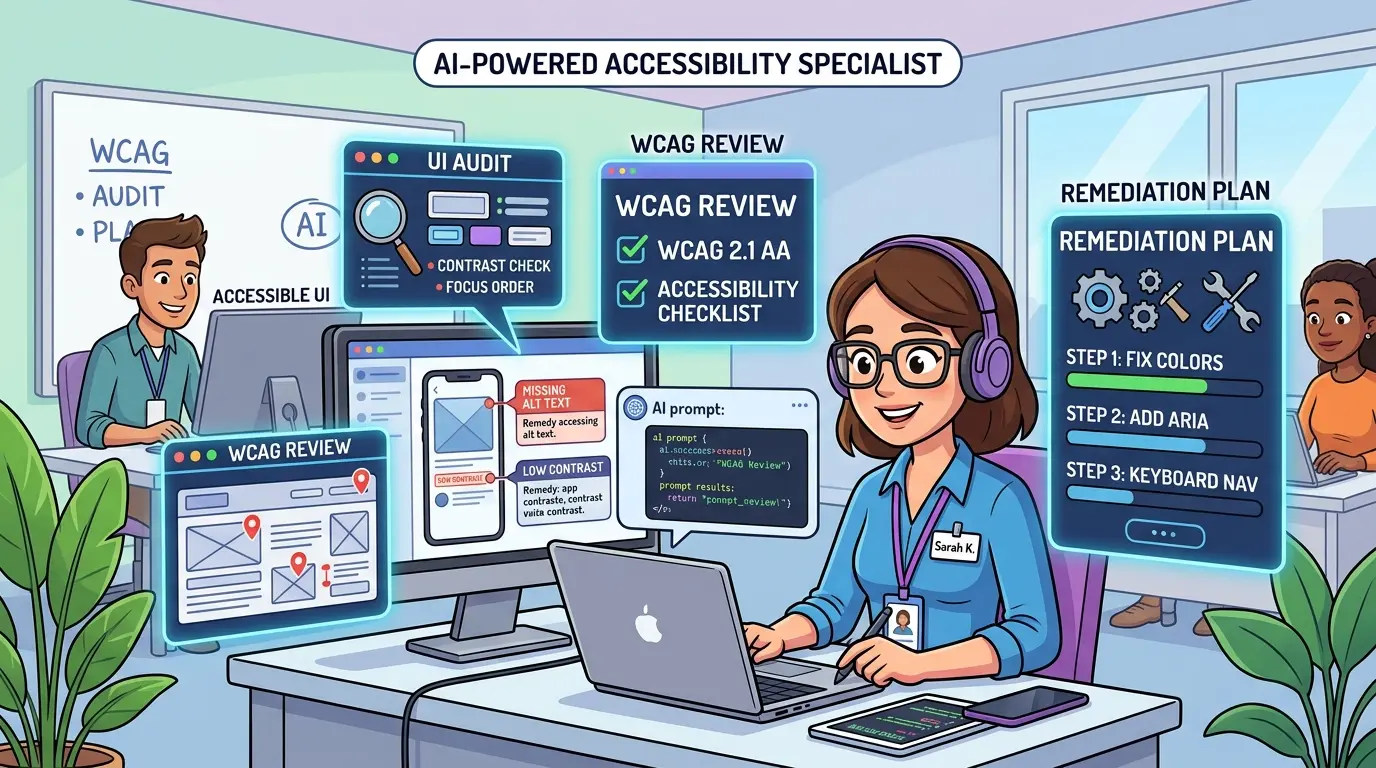
Accessibility specialists rarely get slowed down by knowing the rules. They get slowed down by translating scattered evidence into a defensible review: screenshots without states, component behavior without keyboard paths, severity debates without user-impact language, and audit notes that still need to become tickets the product team can actually ship. The real bottleneck is not spotting a single issue. It is turning interface evidence into a structured accessibility decision.
Whether you use ChatGPT, Gemini, Claude, or DeepSeek, the job stays the same: map UI behavior to WCAG, separate confirmed failures from open questions, and move from audit findings to remediation work that design, engineering, and QA can follow. The AI Prompts below are optimized as a universal foundation for accessibility specialists running reviews, UI audits, and follow-through plans. Each model has different strengths, but the prompt architecture stays portable. If you want more reusable profession-focused workflows, TipTinker’s broader Prompts library is a practical companion.
Turn a Screen Review Into a WCAG-Mapped Findings List
Model Recommendation: Gemini is often useful when you need to synthesize multiple screens, component states, annotations, and flow notes in one pass.
You are acting as a senior digital accessibility specialist.

I will provide a screen flow, component descriptions, screenshots, audit notes, and any known interaction details.

Your job is to convert that material into a WCAG-mapped findings list.

Return a table with these columns:
1. Issue Title
2. Affected Screen or Component
3. Impacted User Group
4. Observed Barrier
5. Likely WCAG Success Criterion
6. Conformance Level
7. Severity
8. Evidence Provided
9. What Still Needs Manual Verification
10. Recommended Fix Direction

Rules:
- do not claim a definitive failure if the evidence is incomplete
- distinguish confirmed issues from probable issues
- map each finding to the most relevant WCAG criterion, not every possible criterion
- use precise accessibility language
- keep issue titles short and reusable for a later audit report
- note when keyboard, screen reader, focus, or color-contrast evidence is missing

Source material:
[PASTE SCREEN NOTES, SCREENSHOTS, COMPONENT STATES, AND OBSERVATIONS]
The Payoff: This prompt stops early accessibility reviews from collapsing into loose notes. It gives you a structured findings list that is easier to refine into an audit, a backlog, or a compliance conversation.
Convert Raw Notes Into a Severity-Ranked UI Audit
Model Recommendation: Claude is often the better fit when the output needs careful reasoning, clean structure, and defensible severity language.
You are writing an accessibility UI audit for internal or client review.

I will give you raw findings, screenshots, rough severity notes, and any known product context.

Turn them into a severity-ranked audit with this structure:
1. Audit Scope
2. Review Method
3. Critical Findings
4. Major Findings
5. Minor Findings
6. Patterns Worth Addressing Across the Product
7. Open Questions and Validation Gaps
8. Recommended Immediate Actions

For each finding, include:
- issue title
- affected page, flow, or component
- impacted users
- observed behavior
- relevant WCAG criterion
- why it matters
- recommended remediation direction
- retest notes

Rules:
- do not inflate severity without explaining user impact
- do not invent assistive technology behavior that was not observed
- separate legal or compliance risk language from actual user-impact evidence
- write in a neutral, professional tone
- keep repeated issues grouped when they come from the same pattern

Audit inputs:
[PASTE FINDINGS, NOTES, PRODUCT CONTEXT, AND AUDIT SCOPE]
The Payoff: Accessibility audits become more useful when severity is tied to impact instead of intuition. This prompt helps you produce a cleaner report that is easier for stakeholders to prioritize and defend.
Stress-Test a Component Against Specific WCAG Criteria
Model Recommendation: DeepSeek works well when you need explicit criterion-by-criterion reasoning and careful technical decomposition.
You are performing a WCAG-focused component review.

I will provide a component description, interaction behavior, markup or pseudocode, and a target list of WCAG success criteria.

Evaluate the component against each criterion and return:
1. Criterion
2. Pass, Fail, or Uncertain
3. Evidence Supporting That Judgment
4. Missing Evidence Preventing a Final Call
5. User Impact if the Criterion Fails
6. Recommended Remediation Direction
7. Follow-Up Manual Test Needed

Rules:
- never mark pass when critical behavior details are missing
- focus on observable behavior, semantics, focus handling, announcements, errors, and state changes
- call out where code-level inspection and manual AT testing are both still required
- avoid generic accessibility advice that does not connect to the criterion
- highlight when a single issue may affect multiple criteria, but choose the primary criterion first

Component details and target criteria:
[PASTE COMPONENT DESCRIPTION, HTML OR PSEUDOCODE, STATES, AND CRITERIA]
The Payoff: This prompt is useful when teams say a component is accessible but the evidence is partial or overly optimistic. It forces a disciplined review that separates verified conformance from assumptions.
Write Developer-Ready Remediation Tickets With Acceptance Criteria
Model Recommendation: ChatGPT is a practical day-to-day fit for translating accessibility findings into clear, operational engineering tickets.
You are turning an accessibility finding into a developer-ready remediation ticket.

I will give you:
- the issue summary
- affected screens or components
- current behavior
- impacted users
- WCAG mapping
- any product or technical constraints

Return the ticket in this structure:
1. Title
2. Problem Summary
3. Impacted Users
4. Current Behavior
5. Expected Accessible Behavior
6. Relevant WCAG Criterion
7. Acceptance Criteria
8. QA and Retest Steps
9. Implementation Notes
10. Dependencies or Open Questions

Rules:
- make acceptance criteria testable
- do not prescribe exact code unless I explicitly ask
- distinguish design changes from engineering changes
- include keyboard and screen reader expectations when relevant
- keep the tone concise and usable in a backlog system

Issue details:
[PASTE THE ACCESSIBILITY ISSUE AND CONTEXT]
The Payoff: A good accessibility ticket prevents retranslation work between audit and implementation. Instead of handing over a vague failure statement, you hand over a clear fix target with retest conditions.
Build a Phased Remediation Plan That Respects Risk and Capacity
Model Recommendation: Claude is often a strong fit when you need balanced prioritization, careful tradeoff language, and a plan that multiple teams can work from.
You are building a phased accessibility remediation plan.

I will provide a set of findings, known delivery constraints, product priorities, and team capacity assumptions.

Create a remediation plan with these sections:
1. Immediate User-Blocking Issues
2. High-Leverage Fixes for the Next Delivery Cycle
3. Design System or Shared Component Fixes
4. Content and Editorial Fixes
5. Long-Tail Improvements to Defer With Rationale
6. Risks of Deferral
7. Owners or Responsible Functions
8. Recommended Sequencing Logic
9. Evidence Gaps That Should Be Closed Before Committing

Prioritize using these factors:
- user harm
- frequency of exposure
- component reuse across the product
- compliance impact
- implementation effort
- release dependencies

Rules:
- do not invent timelines if capacity is unknown
- expose tradeoffs instead of pretending everything is equal priority
- group repeated defects under systemic fixes where appropriate
- note when a fix belongs to design, engineering, QA, content, or procurement

Findings and constraints:
[PASTE FINDINGS, TEAM CONSTRAINTS, ROADMAP NOTES, AND DELIVERY CONTEXT]
The Payoff: Many accessibility backlogs fail because every issue lands in one flat list. This prompt helps you build a sequence that reflects actual user risk and delivery reality. When this work needs to fold into sprint planning and release coordination, Agile & Scrum Efficiency: 10 Elite AI Prompts for Modern Project Managers is a useful companion.
Generate a Retest Script After Accessibility Fixes Ship
Model Recommendation: ChatGPT works well for operational checklists and repeatable retest flows that need to stay clear and fast.
You are creating a retest script for a resolved accessibility issue.

I will provide the original issue, intended fix, affected interface, and any environment constraints.

Return:
1. Retest Objective
2. Preconditions
3. Devices, Browsers, or AT Combinations to Check
4. Keyboard-Only Test Steps
5. Screen Reader Test Steps
6. Visual and State-Change Checks
7. Error-State or Edge-Case Checks
8. Expected Results
9. Regression Risks to Watch
10. Evidence to Capture if the Issue Still Fails

Rules:
- write steps in plain test language
- include focus movement and announcement expectations when relevant
- do not assume one assistive technology result proves universal success
- note where manual judgment is still required

Issue and fix context:
[PASTE ORIGINAL ISSUE, FIX SUMMARY, AND TEST ENVIRONMENT]
The Payoff: Retesting is where many teams discover the original fix was too narrow. This prompt makes verification more repeatable and reduces the chance of closing the ticket before the barrier is actually gone.
Audit a Whole Page Set for Repeated Patterns and Systemic Gaps
Model Recommendation: Gemini is often useful when you need to absorb multiple pages, audit fragments, component examples, and design references at once.
You are reviewing a group of accessibility findings across multiple pages, templates, and shared components.

I will provide audit notes from several screens or flows.

Cluster the issues into systemic patterns and return:
1. Repeated Accessibility Patterns
2. Likely Root Cause for Each Pattern
3. Which Pages or Components Are Affected
4. Highest-Leverage Fixes
5. Issues That Should Be Solved in the Design System
6. Issues That Require Content or Workflow Changes
7. Risks of Fixing Only Individual Instances
8. Recommended Cross-Functional Follow-Up

Rules:
- avoid duplicating the same bug across pages unless the location matters
- distinguish one-off defects from shared framework problems
- call out where form patterns, modal patterns, navigation patterns, or content authoring are the deeper source
- prefer durable fixes over superficial cleanup

Source material:
[PASTE MULTI-PAGE FINDINGS, COMPONENT EXAMPLES, AND SHARED PATTERNS]
The Payoff: Accessibility work scales better when you identify the shared causes behind recurring defects. If the remediation path crosses deeply into component behavior and design decisions, 10 Elite AI Prompts for UI/UX Designers: User Research & Prototyping Masterclass is a useful adjacent workflow.
Pro-Tip: Chain Review, Ticketing, and Retest Prompts
Pro-Tip: The strongest accessibility workflow is usually a chain, not a single giant chat. Use Gemini to cluster page-level patterns, Claude to write the audit and remediation plan, ChatGPT to turn findings into delivery-ready tickets and retest scripts, and DeepSeek when a component needs strict WCAG-by-WCAG reasoning. If you want to sharpen the prompt architecture behind that chain, Meta-Prompting Mastery is a strong next reference.
The best accessibility prompts do not replace manual testing or professional judgment. They reduce audit friction, expose weak assumptions earlier, and make it easier to move from observed barriers to fixes that are specific, testable, and worth shipping.