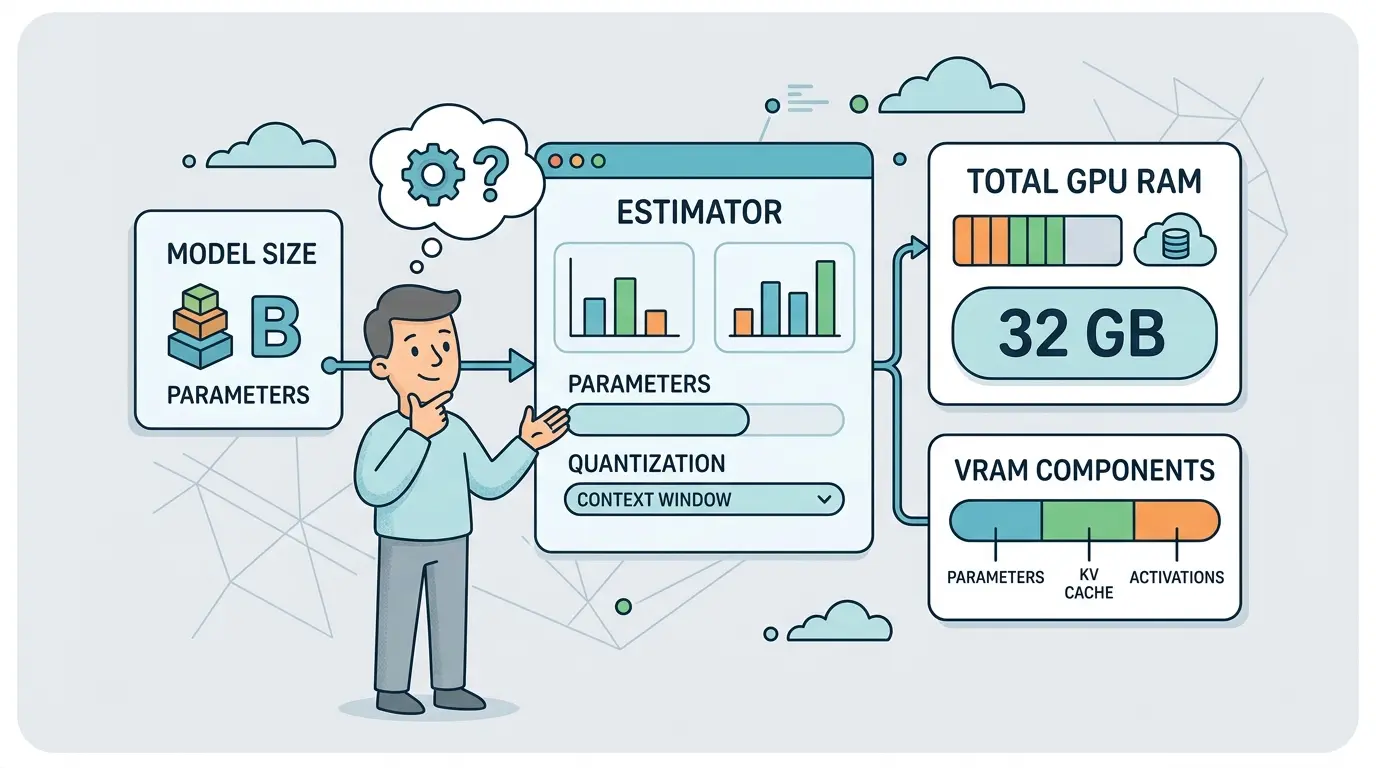
Most LLM deployments fail their first hardware plan for the same reason: teams size the GPU for model weights, then get surprised by KV cache growth, runtime buffers, batching, and concurrency. The bottleneck is rarely the idea. It is the missing memory math.
Whether you use ChatGPT, Gemini, Claude, or DeepSeek, the prompts below give platform engineers, MLOps teams, AI product builders, and technical founders a universal foundation for estimating GPU RAM requirements before they commit to a serving stack. Each model has different strengths, but the workflow stays the same: collect the right inputs, separate static memory from dynamic memory, and stress the deployment plan before production traffic does it for you.
Why VRAM Estimates Fail
Teams usually underestimate GPU memory because they treat deployment like a model card lookup instead of a systems problem. Weights consume one layer of memory, but real serving also needs KV cache, temporary compute buffers, framework overhead, fragmentation headroom, and often extra room for monitoring or multi-request scheduling.
If you want a fast first pass before deeper analysis, TipTinker’s LLM GPU RAM Calculator is a practical way to sanity-check rough numbers.
The second mistake is ignoring how quickly memory grows when you raise context length, batch size, or concurrent sessions. In many real workloads, the model fits comfortably until the serving pattern changes. That is why GPU planning must sit next to product decisions, not after them.
What To Collect Before You Estimate
Before you run any of the prompts below, gather these inputs:
- Model details: parameter count, architecture family, hidden size, number of layers, attention heads, and KV heads if available
- Deployment format: FP16, BF16, INT8, 4-bit, GGUF, AWQ, GPTQ, or another quantized format
- Serving assumptions: maximum context window, average prompt length, average generation length, batch size, and target concurrency
- Performance targets: target latency, throughput, warm replica count, failover margin, and whether requests spike unevenly
- Hardware plan: GPU model, per-GPU VRAM, PCIe or NVLink layout, tensor parallel options, and any CPU offload policy
If your memory budget is being driven upward by long prompts rather than model weights, The Context Window Trap is worth reading before you buy more GPUs.
Prompt 1: Turn Model Specs Into A Real VRAM Budget
Model Recommendation: DeepSeek is often the better fit when you need technical decomposition across weights, KV cache, runtime overhead, and deployment assumptions.
You are an inference infrastructure analyst.

Estimate the total GPU RAM required to serve this LLM in production.

Inputs:
- Model name: [MODEL]
- Parameter count: [PARAMETERS]
- Precision or quantization format: [FORMAT]
- Number of layers: [LAYERS]
- Hidden size: [HIDDEN_SIZE]
- Attention heads: [HEADS]
- KV heads if different: [KV_HEADS]
- Maximum context window: [MAX_CONTEXT]
- Average prompt tokens: [AVG_INPUT_TOKENS]
- Average output tokens: [AVG_OUTPUT_TOKENS]
- Batch size: [BATCH_SIZE]
- Concurrent active requests: [CONCURRENCY]
- Serving engine: [VLLM/TGI/OLLAMA/LLAMA.CPP/OTHER]
- Safety headroom percentage: [HEADROOM]

Return:
1. Estimated weight memory
2. Estimated KV cache memory per request
3. Estimated total KV cache memory at the target concurrency
4. Runtime and framework overhead estimate
5. Recommended minimum GPU RAM with headroom
6. Which assumptions most strongly change the answer
7. A short note on what data is missing and how that affects confidence

Show the math in a clear step-by-step table.
The Payoff: This prompt forces the model to separate static memory from dynamic serving memory. That alone prevents the common mistake of buying hardware that fits the checkpoint but not the workload.
Prompt 2: Compare Precision And Quantization Options Before You Buy Hardware
Model Recommendation: Claude works well for structured tradeoff analysis when you need a practical recommendation instead of a generic list of precision formats.
You are advising on LLM deployment tradeoffs.

Compare these deployment formats for the model and workload below:
- FP16
- BF16
- INT8
- 4-bit quantization

Context:
- Model: [MODEL]
- Current task type: [CHAT/RAG/CODE/AGENT/CLASSIFICATION]
- Target latency: [LATENCY_TARGET]
- Minimum acceptable quality risk: [LOW/MEDIUM/HIGH]
- Available GPU options: [GPU_LIST]
- Preferred serving engine: [ENGINE]

Return a comparison table with:
1. Approximate memory impact
2. Likely throughput impact
3. Likely quality or stability tradeoffs
4. Operational complexity
5. Best fit for this workload
6. Formats I should reject first and why

End with one recommendation for a conservative deployment plan and one recommendation for an aggressive cost-saving plan.
The Payoff: Most teams know quantization saves memory. Fewer teams evaluate whether the saved memory is worth the operational and quality tradeoffs. This prompt makes the recommendation decision explicit before procurement starts.
Prompt 3: Stress-Test KV Cache Growth Across Context And Concurrency
Model Recommendation: DeepSeek is useful when the problem is mostly about structured memory growth and technical scenario analysis.
You are modeling KV cache growth for an LLM serving system.

Using the model details below, estimate how KV cache memory changes across different context windows and concurrency levels.

Inputs:
- Model: [MODEL]
- Layers: [LAYERS]
- Hidden size: [HIDDEN_SIZE]
- Attention heads: [HEADS]
- KV heads: [KV_HEADS]
- Precision: [PRECISION]

Evaluate these scenarios:
- Context windows: [4K, 8K, 16K, 32K, 64K]
- Concurrency levels: [1, 2, 4, 8, 16]

Return:
1. A matrix showing estimated KV cache memory by context window and concurrency
2. The point where KV cache becomes larger than weight memory
3. The first scenarios likely to trigger OOM on these GPUs: [GPU_LIST]
4. Which lever reduces risk fastest: smaller context, lower concurrency, quantization, smaller model, or sharding
5. A plain-English explanation I can share with non-ML stakeholders
The Payoff: This prompt is where many teams finally see the real memory curve. If you need better token estimates before filling in the scenarios, the AI Token Calculator helps turn document length and prompt size into more realistic context assumptions.
Prompt 4: Choose Between A Bigger GPU, Tensor Parallelism, Or CPU Offload
Model Recommendation: Gemini works well when you need to synthesize hardware inventory, topology, latency goals, and deployment constraints in one decision.
You are an LLM infrastructure planner.

Recommend the best deployment strategy for the model below using the available hardware.

Inputs:
- Model: [MODEL]
- Precision or quantization: [FORMAT]
- Estimated memory requirement: [VRAM_ESTIMATE]
- Latency target: [LATENCY_TARGET]
- Throughput target: [THROUGHPUT_TARGET]
- Hardware inventory: [GPU_MODELS_AND_COUNTS]
- Interconnect: [PCIE/NVLINK/OTHER]
- Can CPU offload be used: [YES/NO]
- Preferred serving engine: [ENGINE]

Compare these options:
1. One larger GPU
2. Tensor parallelism across multiple GPUs
3. Partial CPU offload
4. Deploying a smaller model instead

Return:
- Best option for reliability
- Best option for cost efficiency
- Best option for low latency
- Main operational risk of each option
- A final recommendation with reasoning
The Payoff: Hardware planning often stalls because every option looks possible on paper. This prompt forces the tradeoff into concrete operational terms: latency, cost, failure risk, and topology overhead.
Prompt 5: Size A Serving Cluster From Traffic Instead Of Guessing
Model Recommendation: Gemini is often a strong fit when you need to combine traffic assumptions, serving targets, and replica planning into one capacity model.
You are doing capacity planning for an LLM inference cluster.

Estimate how many GPUs are required for this deployment.

Inputs:
- Model: [MODEL]
- Deployment format: [FORMAT]
- Per-GPU memory available: [GPU_VRAM]
- Estimated memory per loaded replica: [MEMORY_PER_REPLICA]
- Average input tokens: [AVG_INPUT]
- Average output tokens: [AVG_OUTPUT]
- Requests per second: [RPS]
- Peak concurrency: [PEAK_CONCURRENCY]
- Target p95 latency: [P95_TARGET]
- Warm spare policy: [N+1/N+2/OTHER]
- Autoscaling preference: [NONE/HORIZONTAL/SCHEDULED]

Return:
1. Estimated replicas required for average traffic
2. Estimated replicas required for peak traffic
3. Minimum GPU count with failover margin
4. Key risks that could break the estimate
5. Which metrics I must monitor in production to validate the plan
6. A short procurement recommendation
The Payoff: This prompt shifts the conversation from “Can it fit?” to “Can it stay healthy under load?” That is the right question for production deployment.
Prompt 6: Audit Vendor Benchmarks And Hardware Claims Before Procurement
Model Recommendation: Claude is often the better fit for careful reasoning when you need to inspect omissions, framing tricks, and missing benchmark assumptions.
You are reviewing a vendor benchmark or hardware sizing claim for an LLM deployment.

Analyze the material below and identify what is missing, unclear, or potentially misleading.

Evidence:
[PASTE BENCHMARK TABLE, SALES CLAIM, BLOG POST, OR HARDWARE RECOMMENDATION]

Return:
1. What the claim explicitly says
2. Which variables are missing from the claim
3. Whether the claim mixes weights-only memory with full serving memory
4. Whether context length, concurrency, or batch assumptions are hidden
5. Questions I should send back to the vendor before making a purchase
6. A confidence rating: low / medium / high
7. A corrected interpretation for an infrastructure buyer
The Payoff: Bad hardware purchases usually start with a number that sounded precise but ignored the workload. This prompt helps you challenge benchmark language before it turns into a procurement mistake.
Prompt 7: Convert The Estimate Into A Pre-Deployment Decision Memo
Model Recommendation: ChatGPT works well for turning technical inputs into a readable launch memo that engineers, finance, and operations can all use.
You are preparing a pre-deployment LLM infrastructure memo.

Use the estimates and decisions below to create a concise deployment brief.

Include:
1. Recommended model and format
2. Recommended GPU configuration
3. Estimated VRAM footprint broken into weights, KV cache, and overhead
4. Traffic assumptions behind the sizing plan
5. Top three deployment risks
6. What to monitor during launch week
7. A go / no-go recommendation with conditions

Inputs:
[PASTE RESULTS FROM THE PREVIOUS PROMPTS]

Format the result as a decision memo for technical stakeholders.
The Payoff: Memory sizing is not finished when the math is done. It is finished when the assumptions, risks, and monitoring plan are clear enough for the deployment team to act.
Pro-Tip: Chain The Prompts In Deployment Order
Do not start with traffic planning or procurement. Start with Prompt 1 to build the raw VRAM budget, then run Prompt 3 to expose context and concurrency risk, then use Prompt 4 and Prompt 5 to turn that estimate into an actual serving design. If your infra team is standardizing repeatable AI operations, the DevOps & SRE prompt workflow is a useful companion pattern.
Teams that estimate GPU RAM from first principles stop treating LLM deployment like trial and error. Better prompts turn model specs, context policy, and traffic assumptions into decisions you can defend before the first container ever boots.